
3 SIMPLE STEPS process
HowCalendly Works?
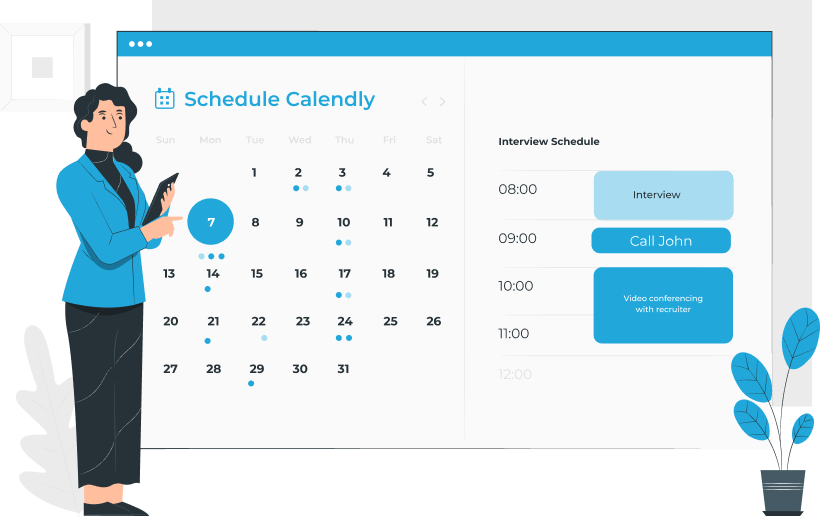
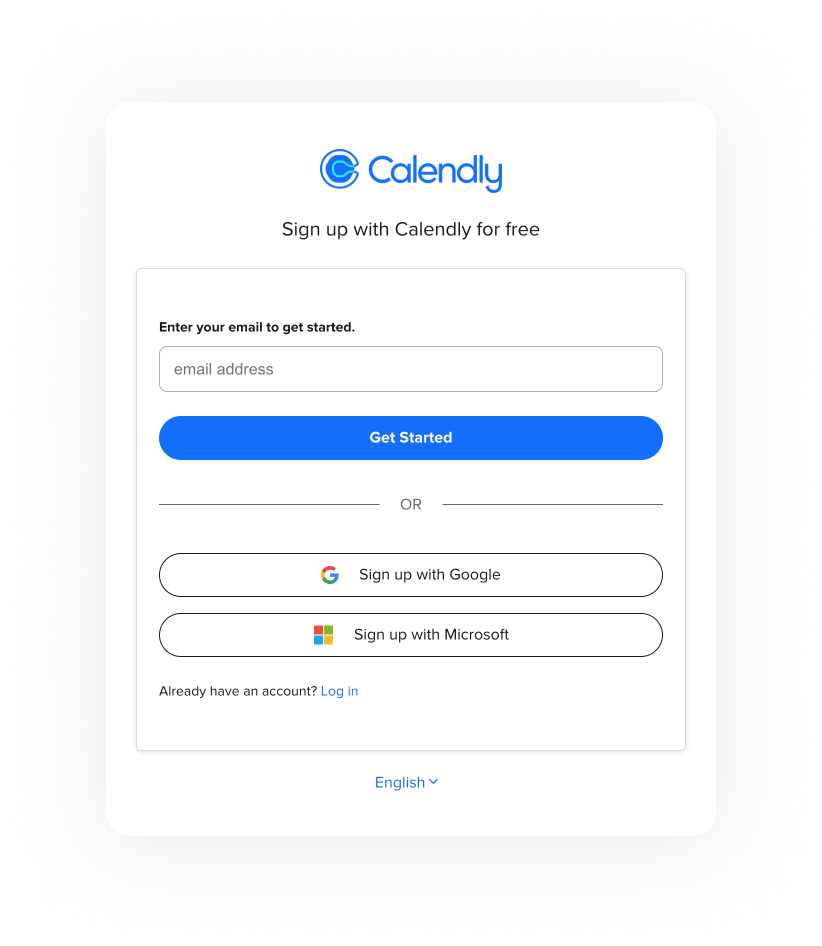
Create an account
The first step is to create an account on Calendly's website. To do this, you'll need to enter your name, email address, and create a password. Once you've done that, you'll be taken to your dashboard, where you can start setting up your scheduling preferences.
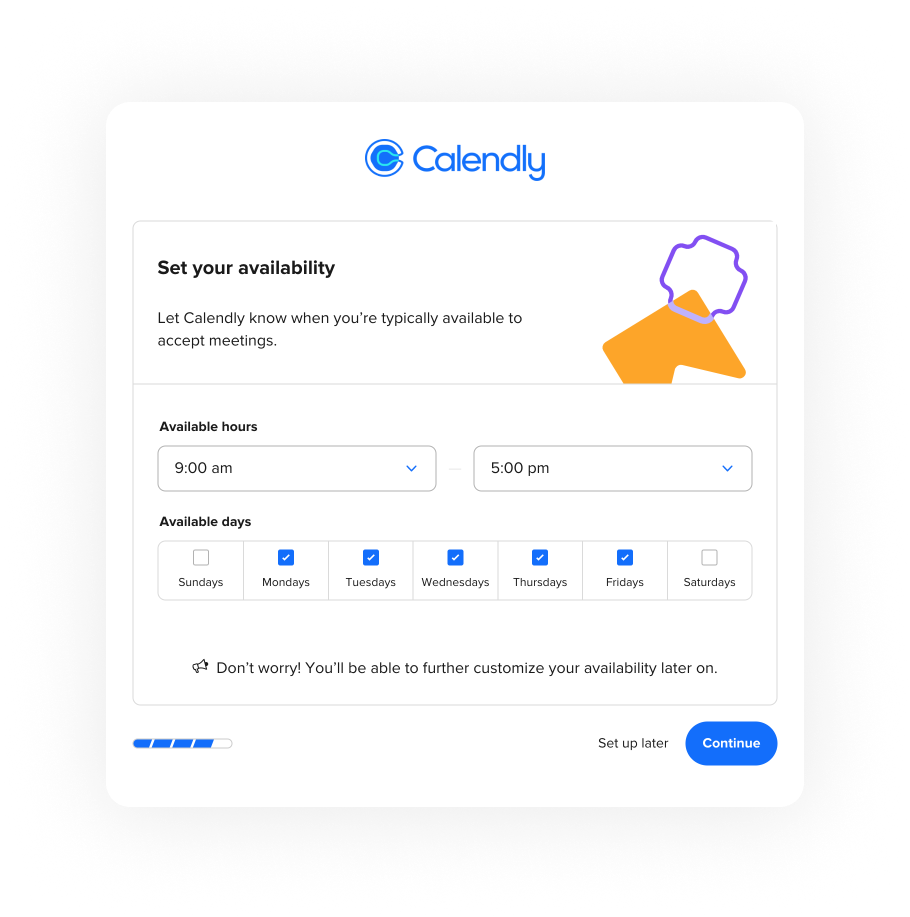
Set up Your
scheduling preferences
The next step is to customize your scheduling preferences on Calendly. This includes setting up your availability for meetings, specifying the duration of meetings, and creating different meeting types with titles. You can also choose your preferred notification method when someone books a meeting, such as email or text message.
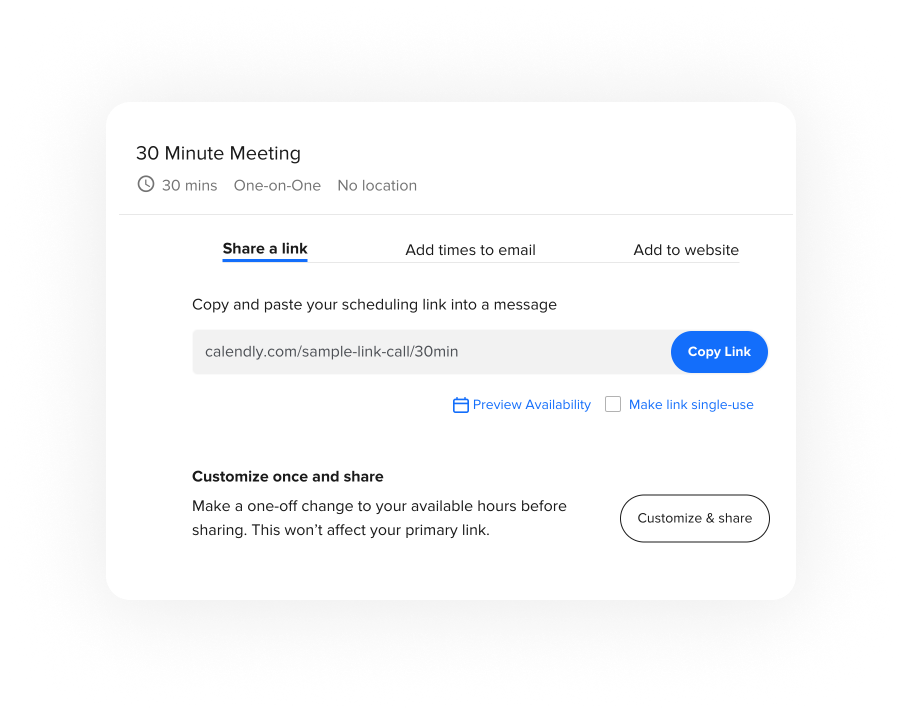
Share your
scheduling link
The first step is to create an account on Calendly's website. To do this, you'll need to enter your name, email address, and create a password. Once you've done that, you'll be taken to your dashboard, where you can start setting up your scheduling preferences.